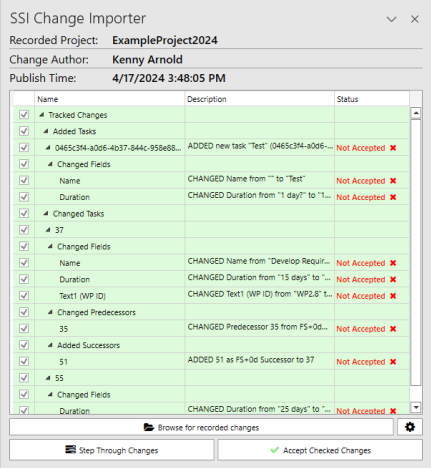
Microsoft Project has a limitation that only one person can edit a project schedule at a time. So if you are part of a team of schedulers working on one large project file, you are forced to wait until the “live” file becomes available or work in an offline copy and then recreate your changes back into the live file at a later time. However, with the SSI Change Tracking Tool you can record the changes you make to a MS Project schedule, just like you would record a Macro, and simply import those changes when the “live” schedule is available. This can be used to effectively allow multiple people to access the project schedule at the same time! In this course you'll learn all of the setup options for both recording and importing changes. You'll even learn how this tool can be used in a multi-project environment.
Select Record Changes and Import Changes in the Change Tracking group: